
01AI visual studio
One prompt,
stills and motion.
Product shots, posters, social, illustration and short video,
written once, sized for every platform.
Graphic designersBrand & commerceContent creatorsIllustrators


- E-commerce sets
- Batch retouch
- Layer split
- Toolbox
- Infinite canvas
- Video generation
- Templates
- Community
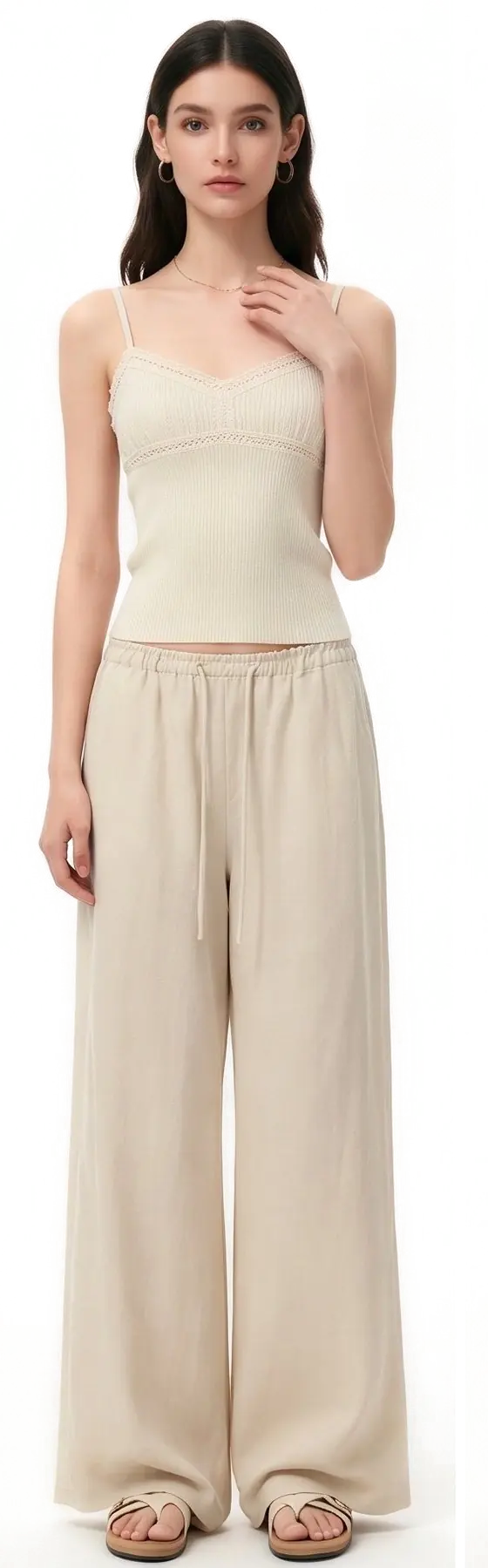
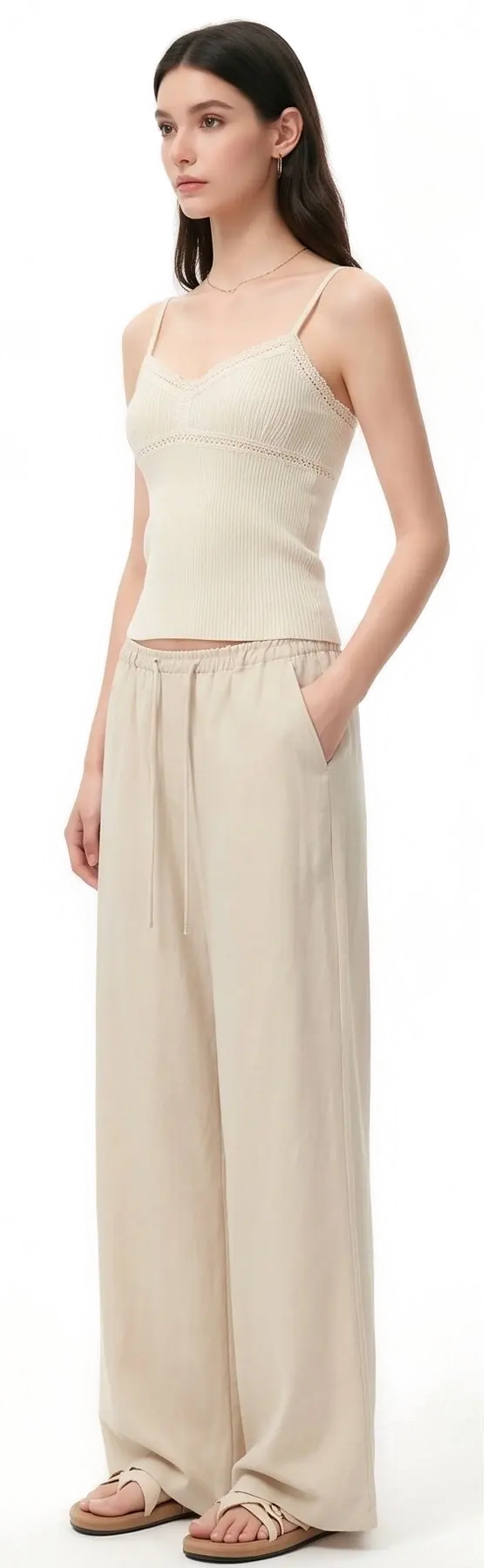
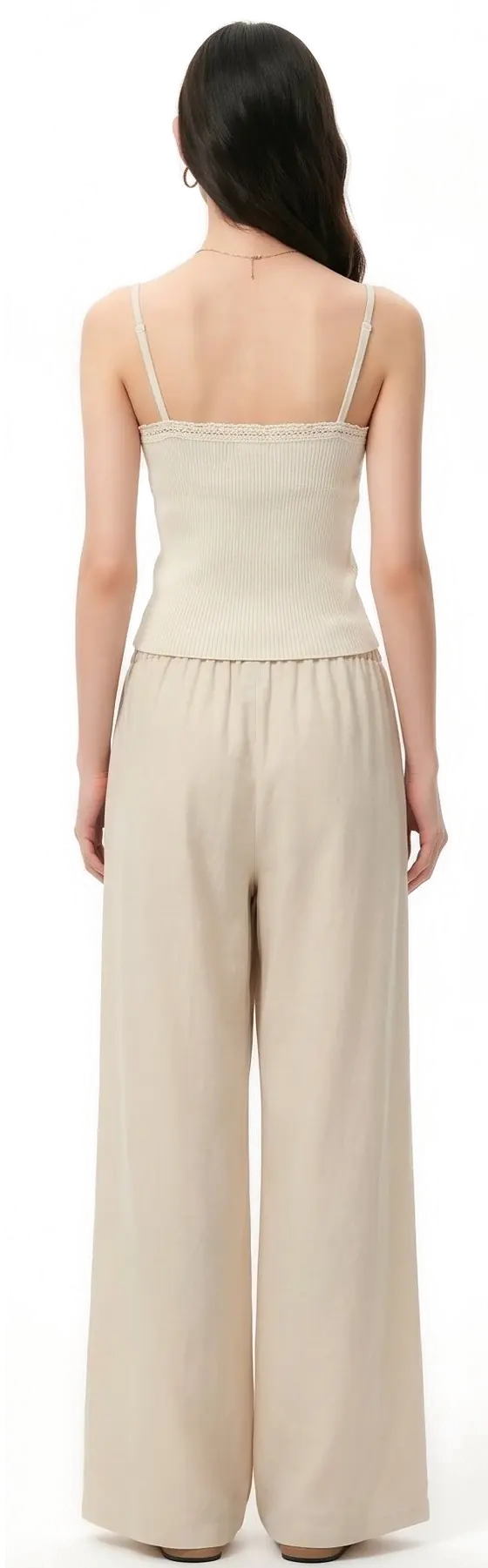
02One prompt, many angles
One prompt, every angle
Describe the product and use — front, side and back in one pass.
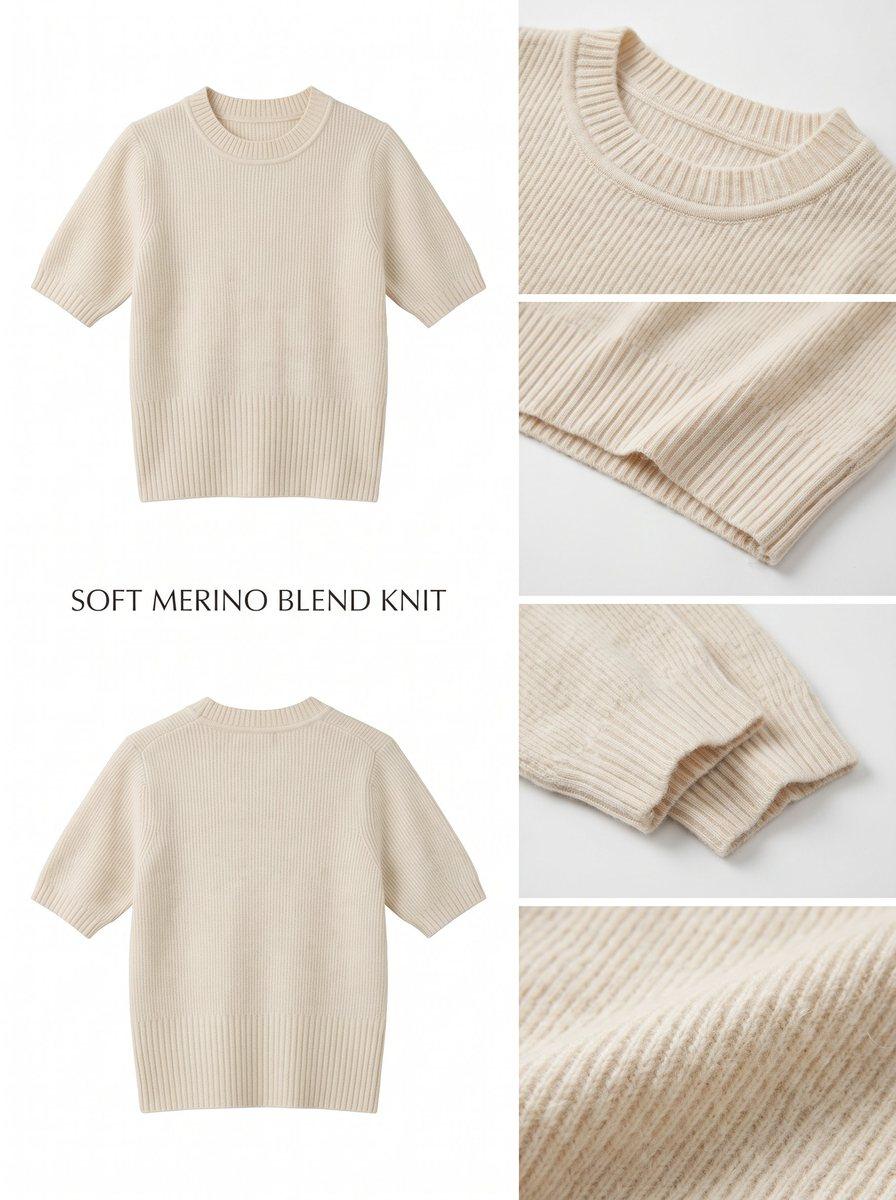
03Output samples
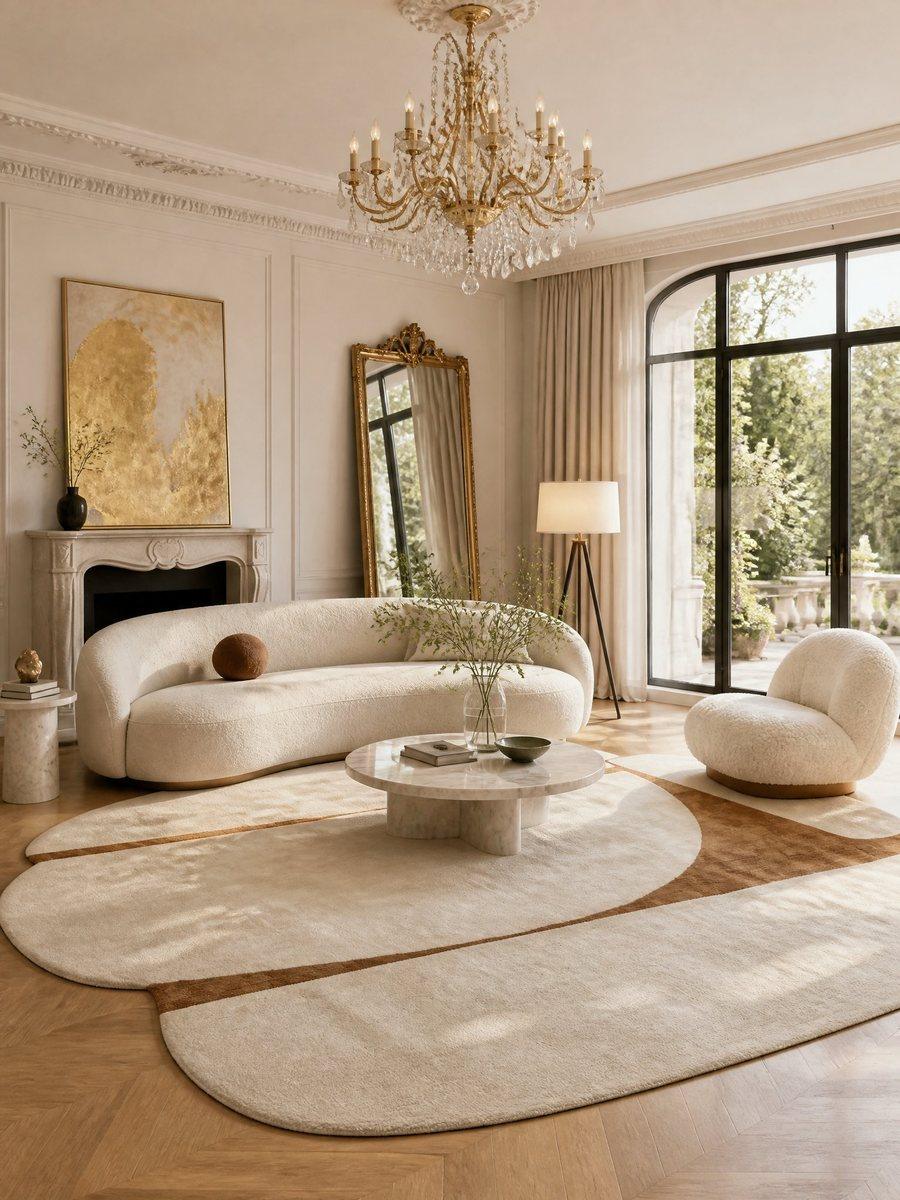
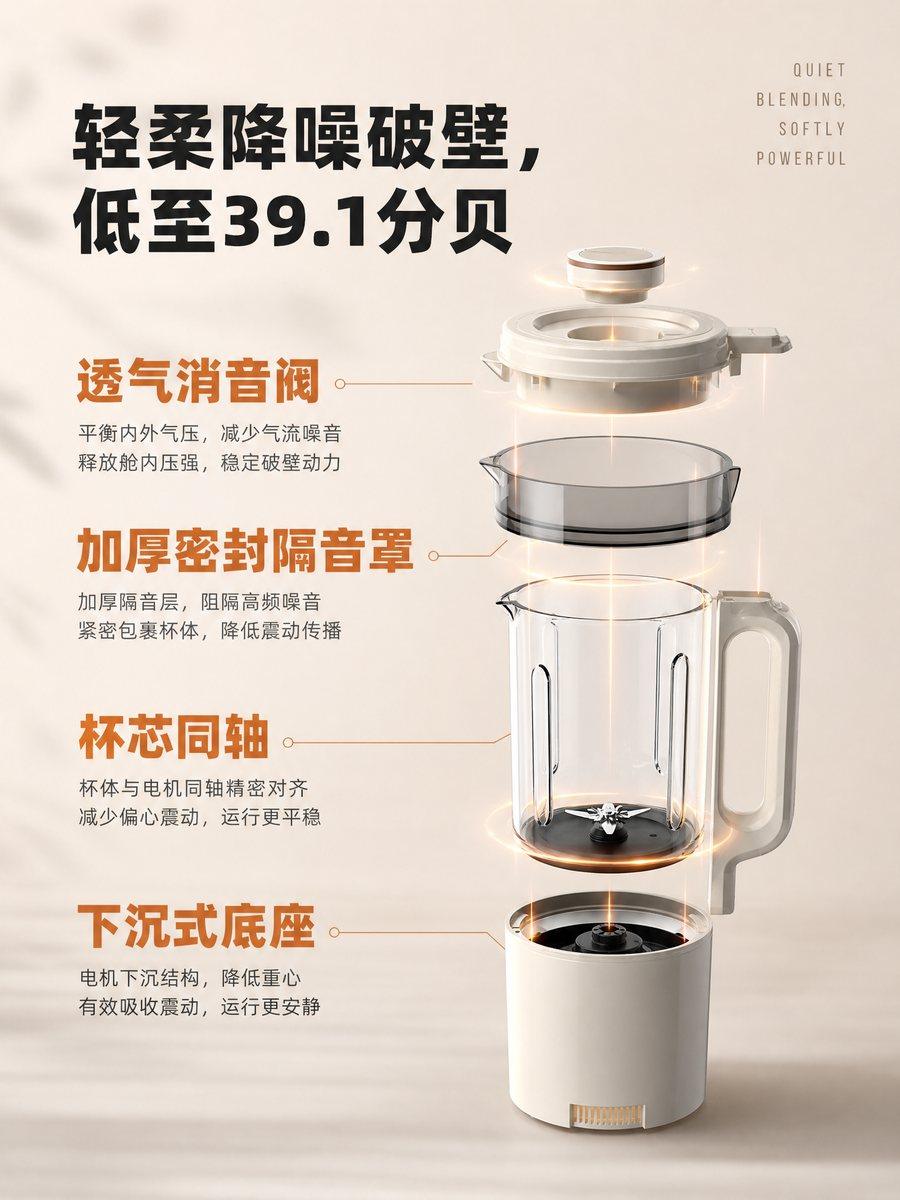
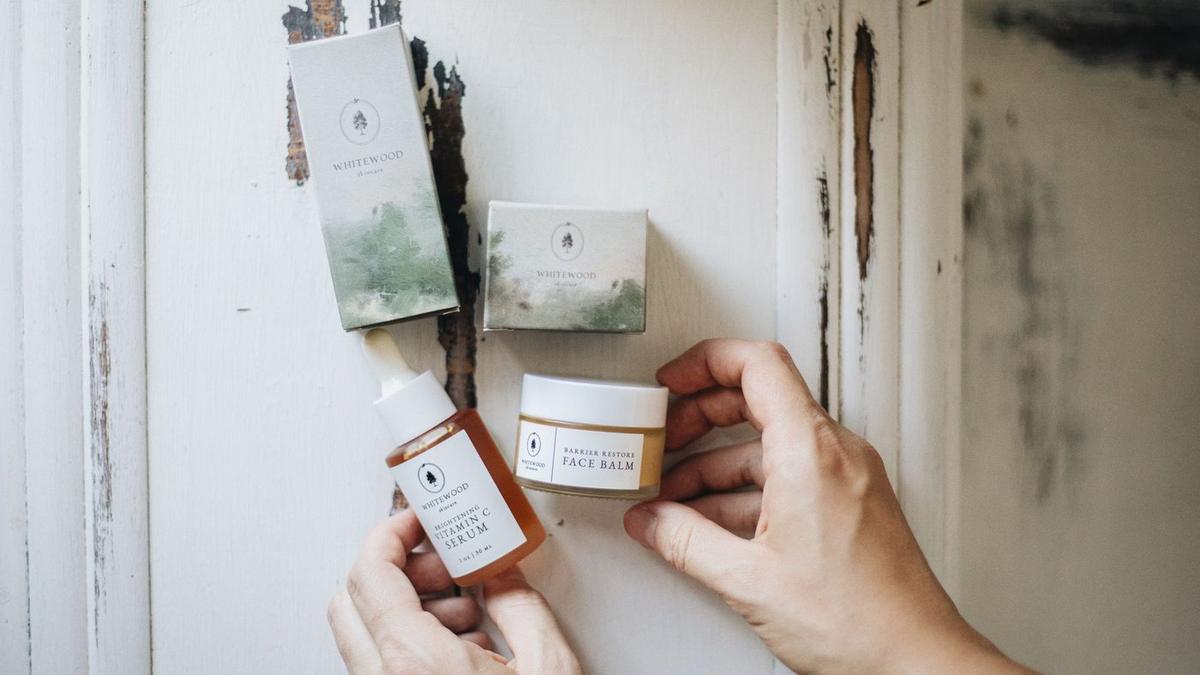
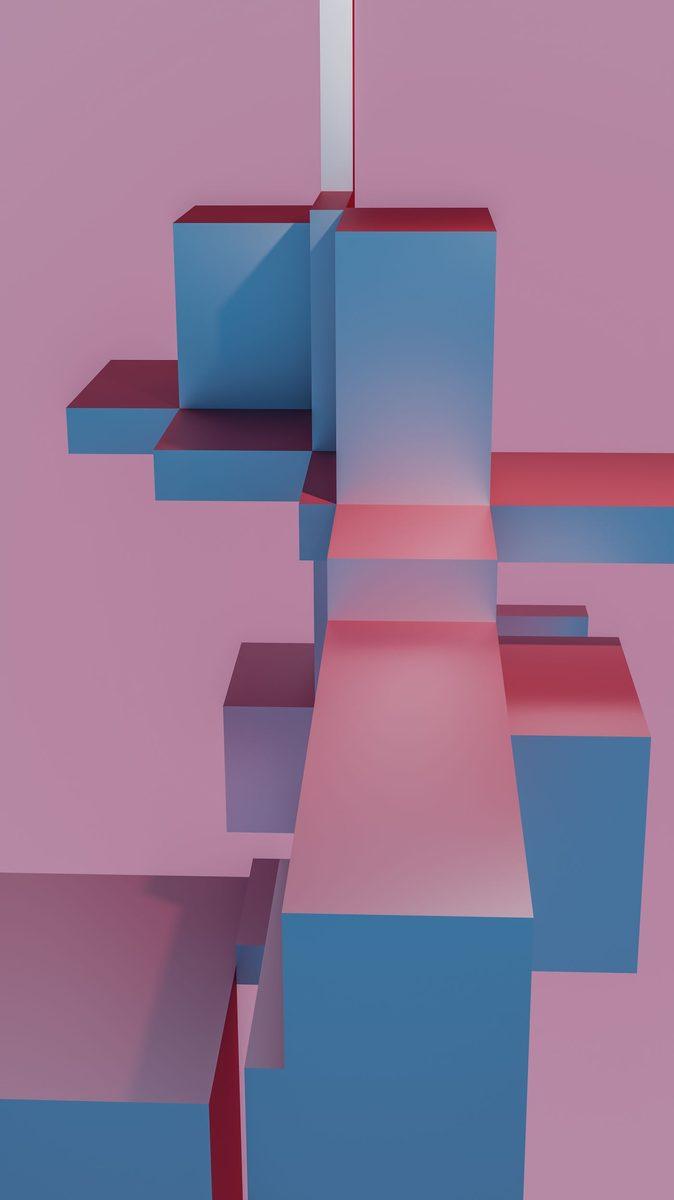
What you get
Products, posters, social and illustration — a full set.

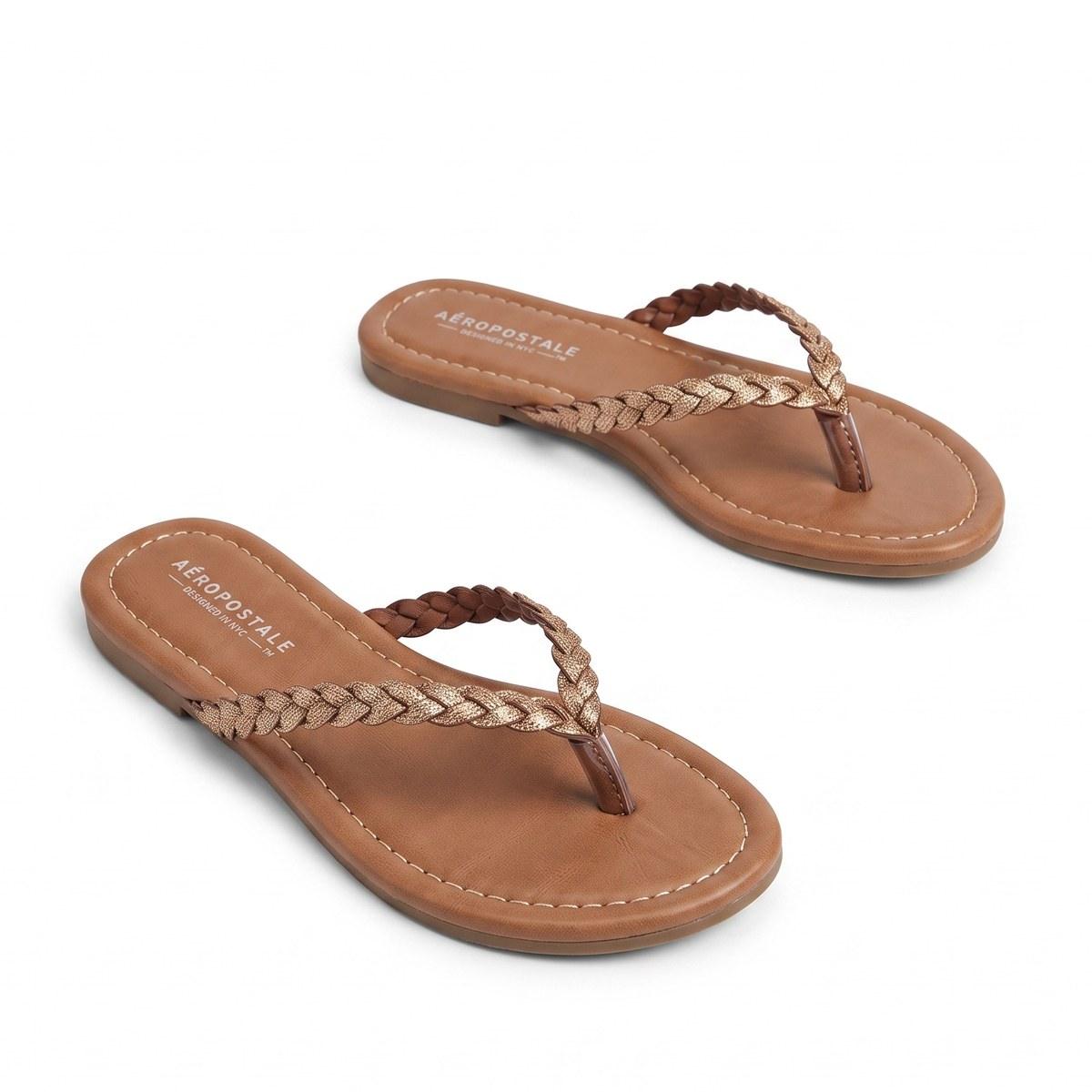
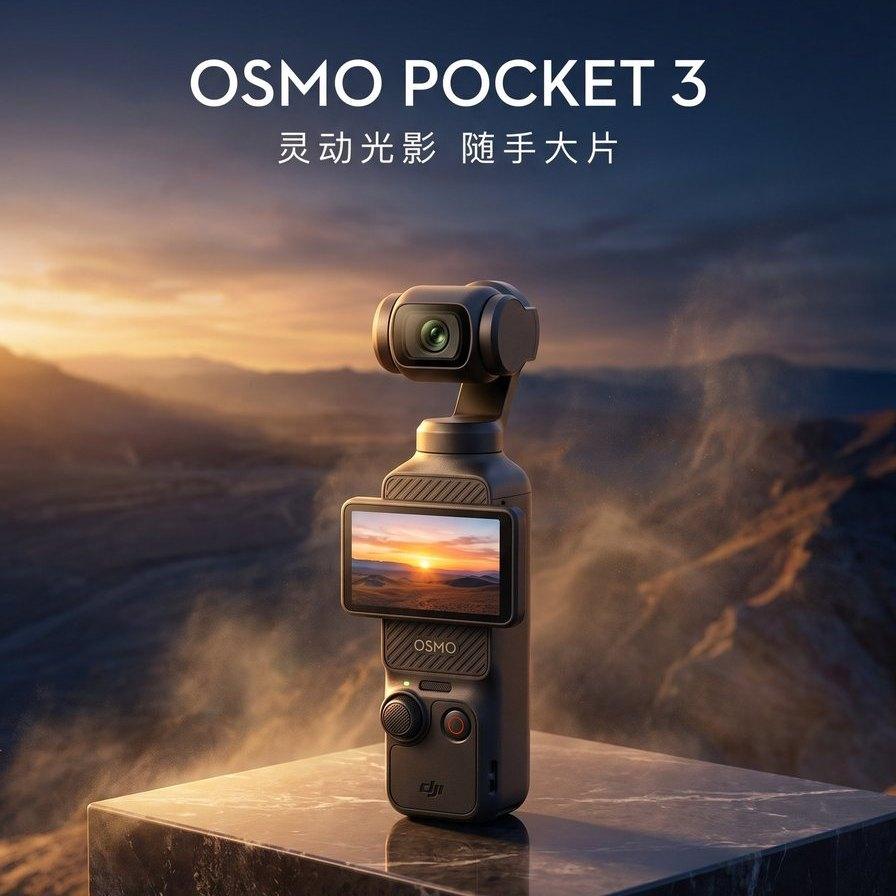
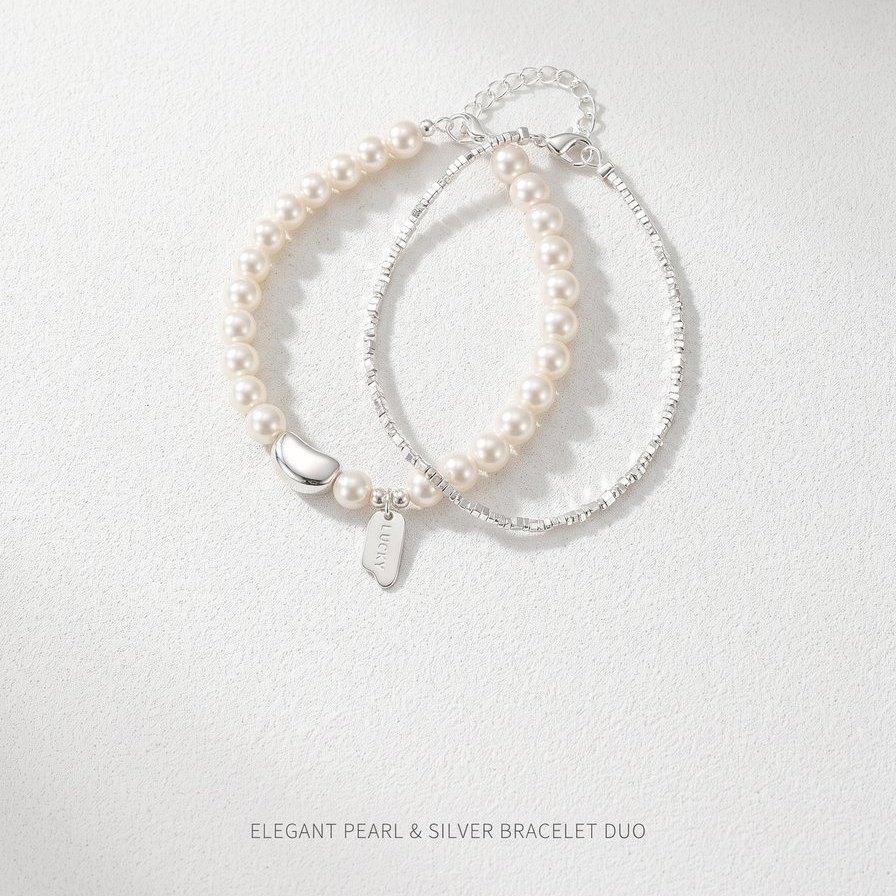
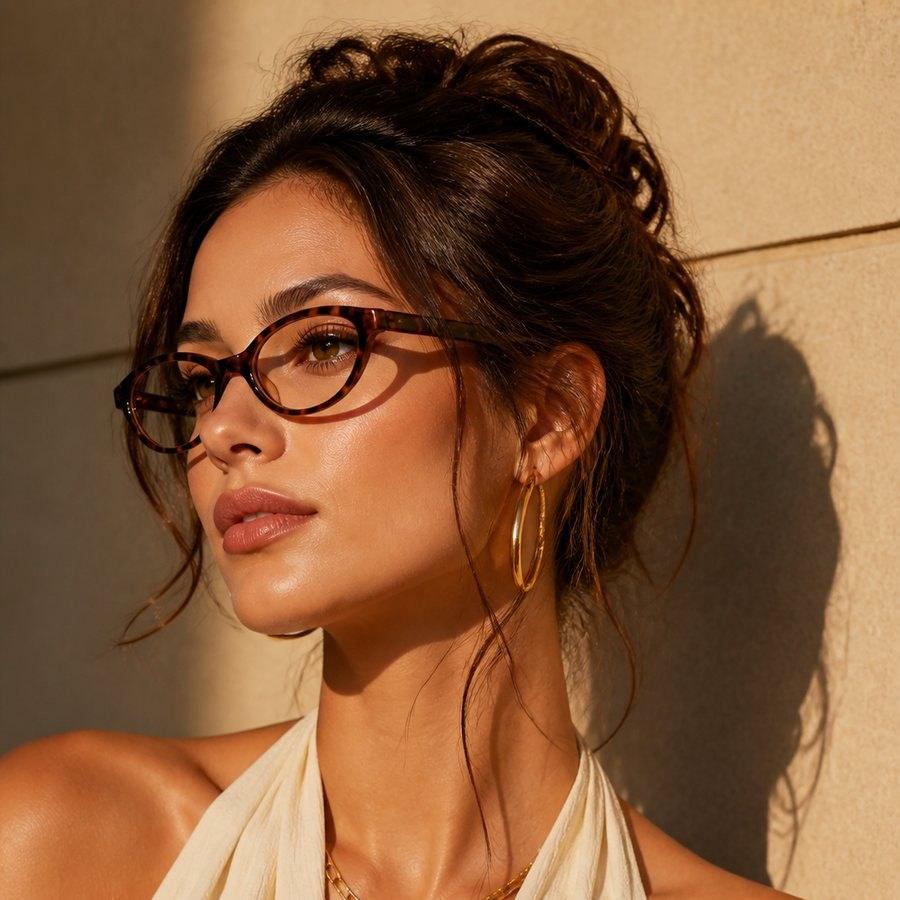
04Toolbox
Toolbox, side by side
Drag to compare upscaling — plus cutout and vector samples.
 Original
Upscaled
Original
Upscaled
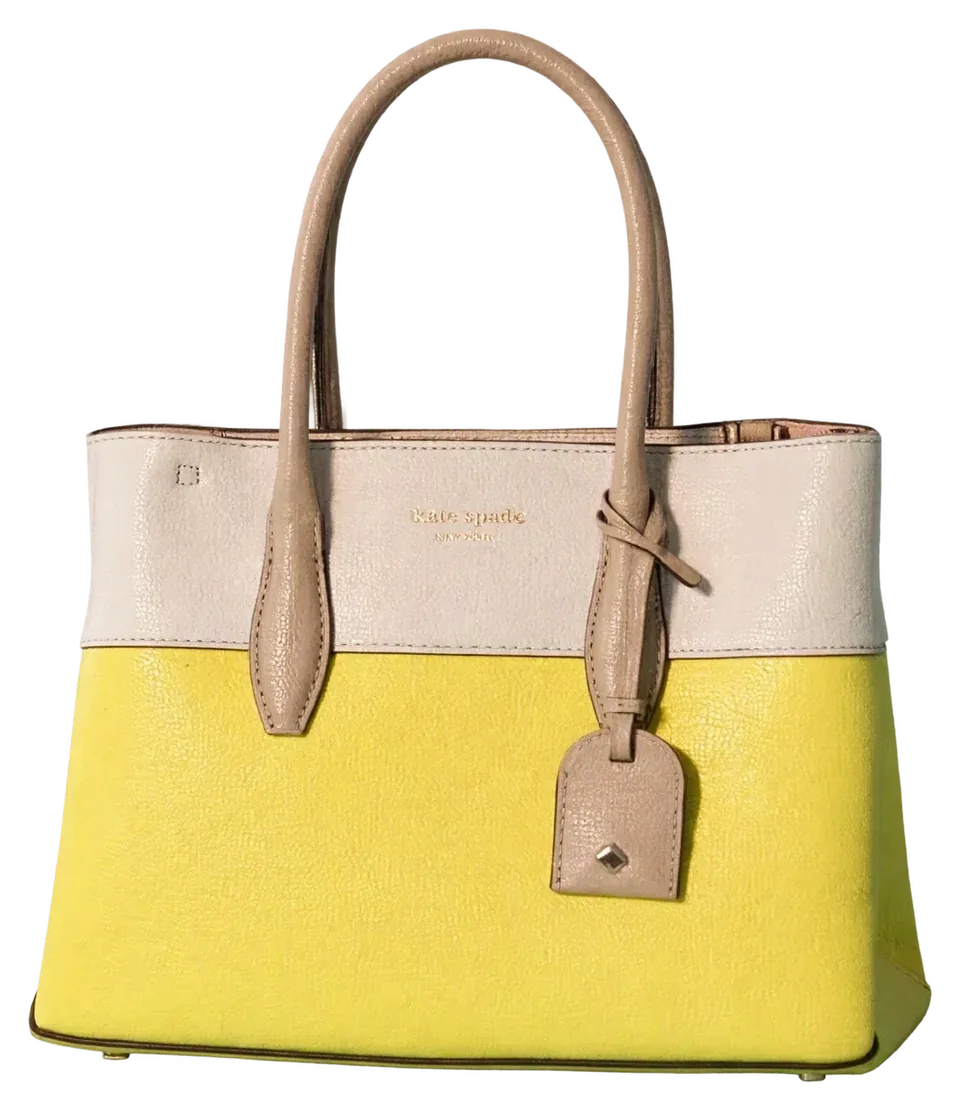
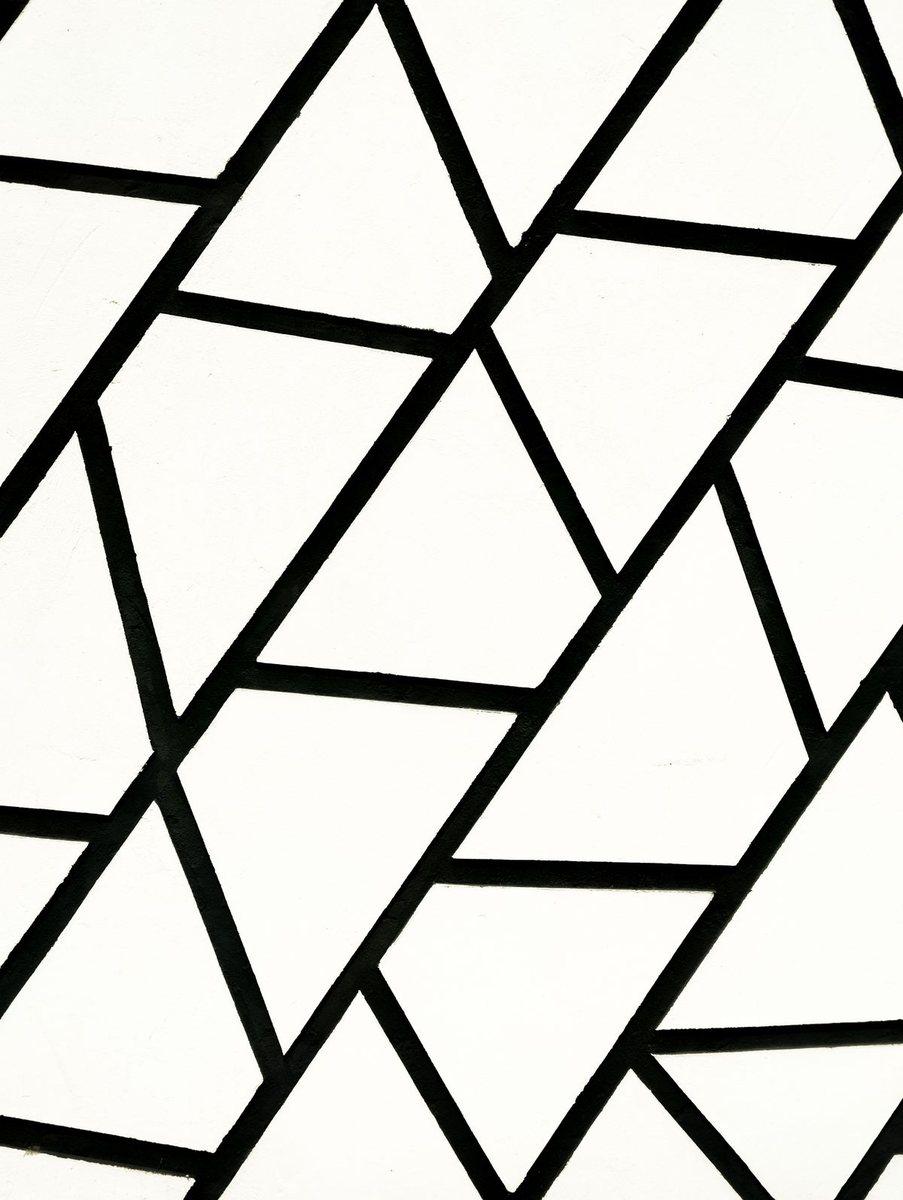
- 01Background
- 02Model
- 03Bag
05Layer split
Split into editable layers
Background, model and bag as separate layers — then PSD or SVG.
06Infinite canvas
The flow, on one canvas
Reference, prompt, generation and results — connected.
Swipe to explore the full flow
07Batch
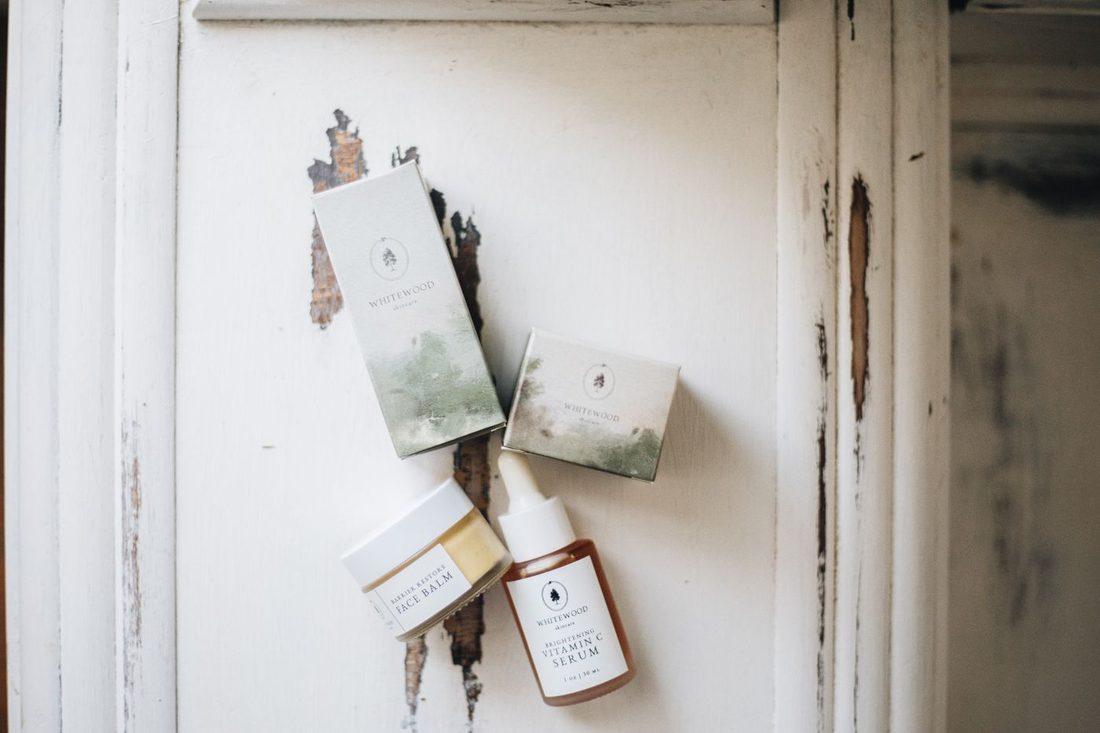
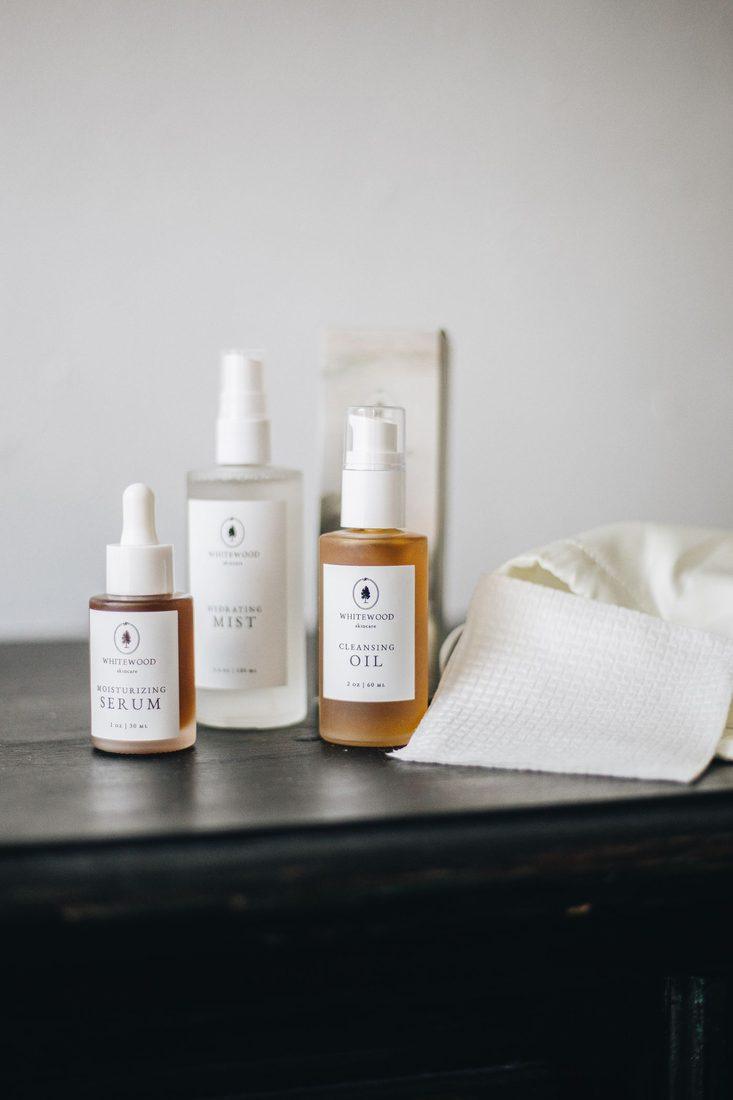
A whole set at once
Review the plan, then run it.
0 / 9



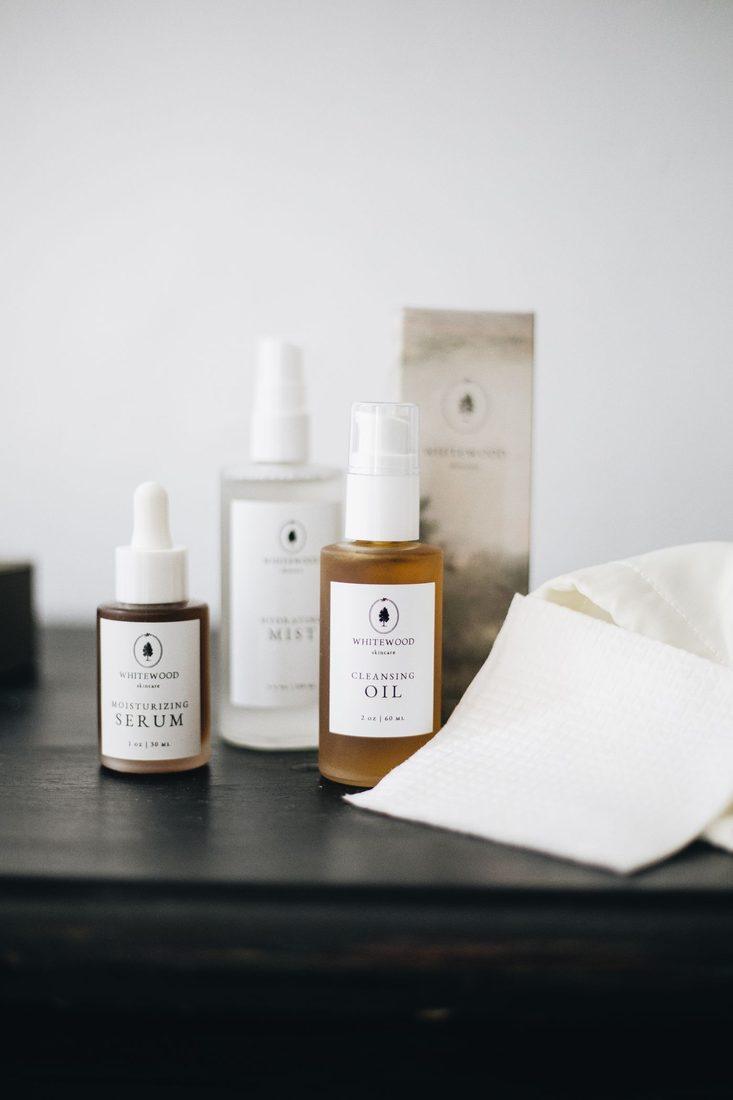

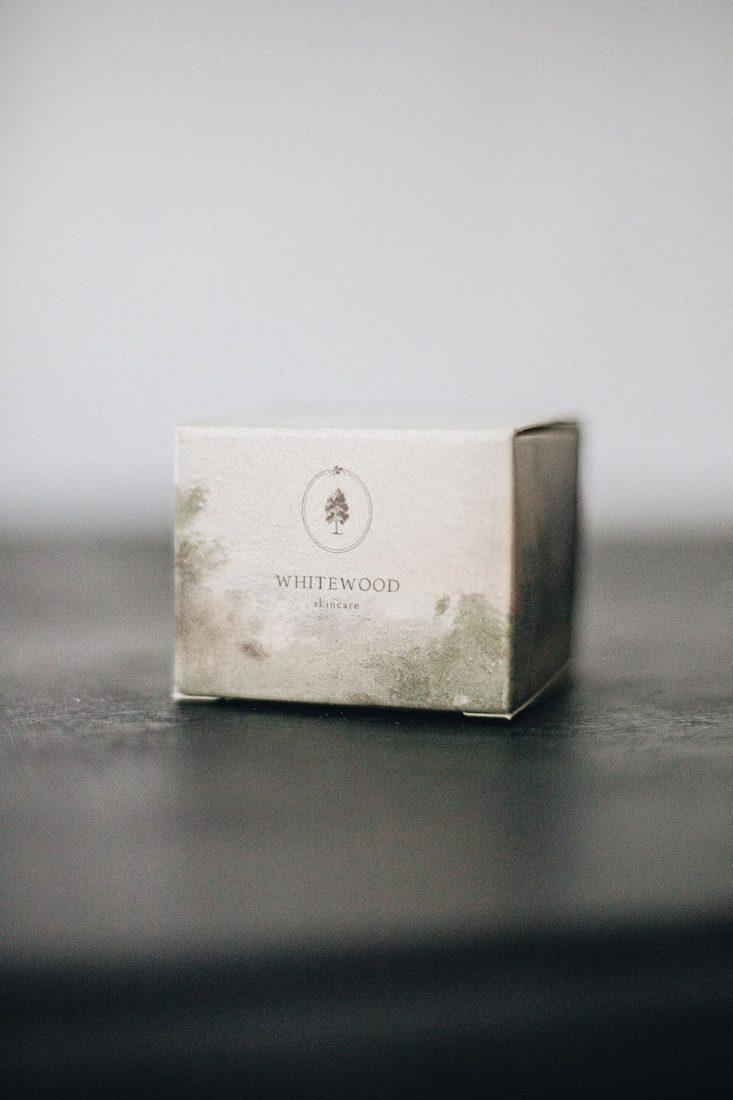
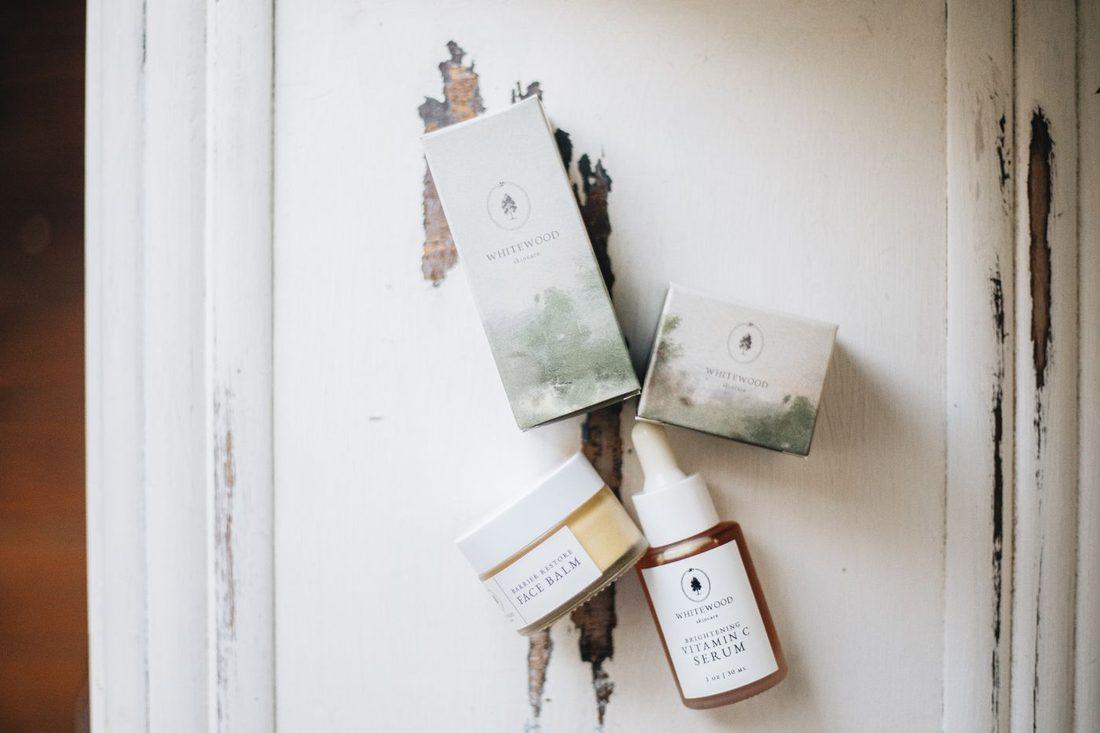
08Three steps
Three steps
Define
Upload the asset, describe scene and selling points.
Plan & generate
Review the plan, then batch-run it.
Refine & deliver
Split, cut out, upscale — export ready files.
09Start here